

Hello friends!
We are glad you follow the AI evolution with us. However, we are now at a point where it is next to impossible to keep up with all AI updates and developments. Even I, after working with AI every day and studying it at university, still feel overwhelmed at times.
But here’s the good news: if you ever wondered if it is too late to dig in deeper into AI and make it part of your everyday life, the answer is no. It is never too late.
The key is finding the right resources, making it easier.
Today, we’re delving into
What role AI plays in our future
AI tools that help to learn AI
People and channels worth following
How to structure your AI Summarizer in Cursor
Why It Matters
You’ve seen plenty of times that AI is surrounded by common buzzwords: “fastest-growing”, “innovative”, “revolutionary”, and “game-changing”.
At the same time, each new AI tool brings its own kind of guilt : the guilt of not exploring enough, of falling behind, of not knowing what others seem fluent in.
People keep putting off projects because they can become obsolete in a couple of months anyway, lowkey stop learning, and just get lost in the noise.
But we’re mentioning it in all our articles, but I’ll say it again — the right AI tools save you time, save you money, and, most importantly, free up your brain space to actually work on creative ideas.
The core basics
If you’re genuinely ready to start an in-depth learning into AI, here’s what that actually looks like:
1. Core AI Concepts
Think machine learning algorithms, model building, deep learning basics, and understanding those mysterious “black boxes”.
Check out LLMs Explained Simply & How They Can Save You 800 Hours This Year
2. Specialization Areas
You pick your lane: Natural language processing, computer vision, AI for business applications. Then you work on real-world projects. For example, I studied how AI is being used in the political sphere, which honestly opened my eyes to both the possibilities and the risks.
Check out Vibe Designing: AI Workflows with Figma & Others and How AI Can Boost SMB
3. Ethics and Legal Frameworks
Because with great AI power comes great responsibility. Seriously, though, understanding the ethical implications and legal boundaries is crucial. We’re talking bias in algorithms, data privacy, accountability, the whole nine yards.
4. Foundational Technical Skills
Python programming, linear algebra, probability, statistics, and data manipulation. Gonna be honest, this part can be boring, but it’s what separates people who use AI tools from people who actually understand and can build with them.
You might be thinking that this all sounds like way too much work. And you will not be alone, because according to data from LinkedIn, 51% of professionals say that learning AI feels like a second job, and 41% say the pace of change is affecting their well-being.
But today, we’re going to focus more on vibe-learning – getting the general feel and understanding of what’s happening without burning out.
AI Tools to Learn AI
Claude Code and Cursor
Cursor and Claude Code were clearly built for developers, but we shouldn’t underestimate their power for learning. I’ve already dived deep into how they can transform managing finance, marketing, and analytics workflows.
But Cursor can also work as your AI knowledge Base + news analyzer. You can upload documents, course materials, all your notes, references, and make Cursor analyze it all at once. Remember those @links I mentioned? They let you drop context in seconds:
Docs + trends
@docs “HuggingFace blog” → summarize latest model releases → impact rankingCompetitor analysis
@web Mistral vs xAI funding news → timeline + implicationsKnowledge debt tracker
@composer build a script that scans my notes → identifies outdated concepts → creates a priority list of topics to reviewWhile in the post about Claude Code, I broke down how insanely efficient the Claude Code + Obsidian combo can be. We can leave behind digging through endless files and worrying about their size, because everything runs locally.
Claude Code reads, writes, and automates your workflow without that annoying grunt work.
Obsidian keeps everything in plain Markdown files, and this way, you can build out this beautifully connected knowledge base that grows with you.
The feedback on posts about these two brothers from another mother was honestly amazing, so if you haven’t explored those posts yet, you’re missing out on some serious productivity hacks.
Google Studio
Google AI Studio lets you play around with hands-on experiments using models and data. There are many guides on it, but in general, it’s convenient when you want to check out models doing their thing in real-time.
How to use it:
Fire up ready-made demos and see how different models handle fresh data
Learn to tweak model parameters and watch the output shift before your eyes
Run experiments with text, images, or audio without dealing with environment setup
Create your own datasets and test how models handle your specific use cases
Google Skills
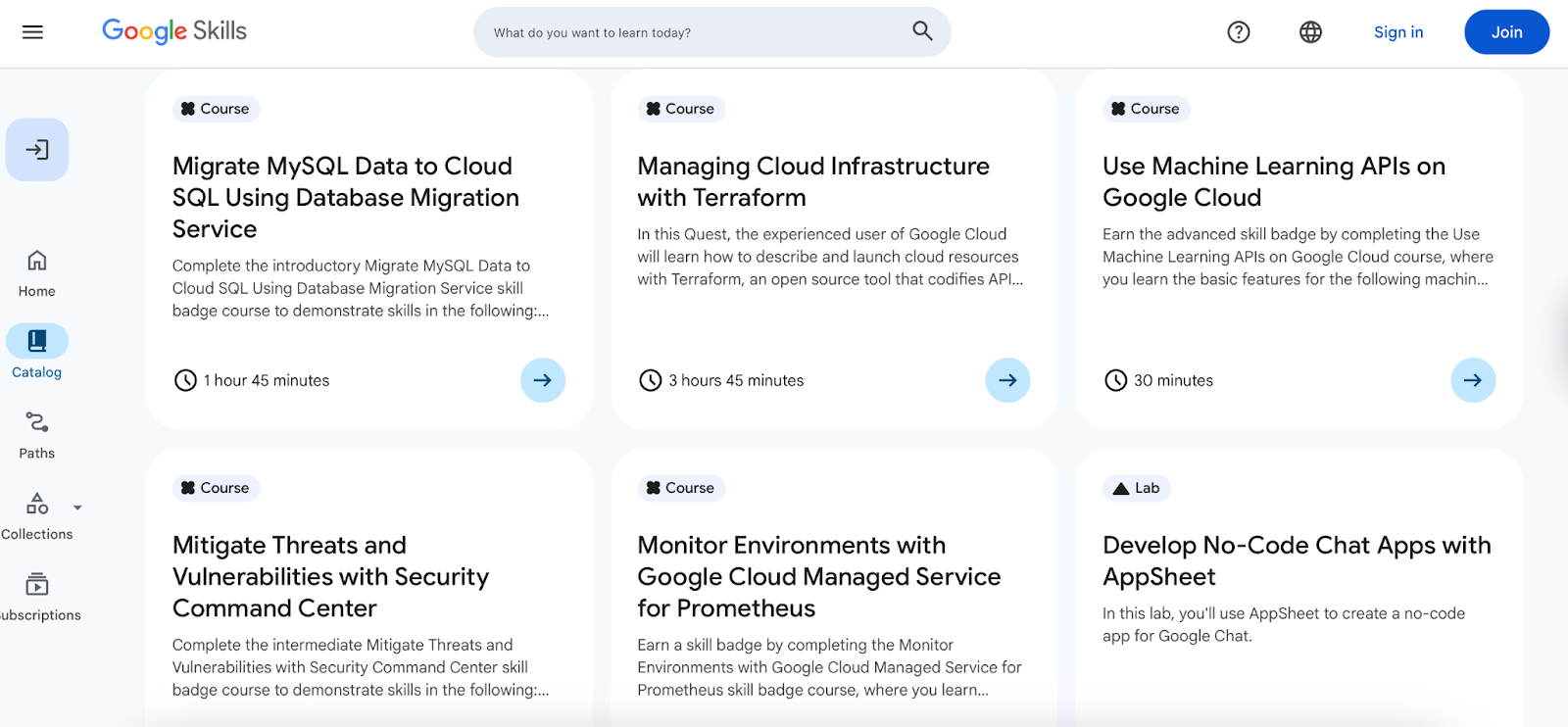
Have you already heard about Google Skills?
They launched a free AI learning platform, and it’s perfect for step-by-step learning. It’s mainly built of bite-sized lessons and practical exercises covering everything from basic to intermediate AI topics.
How to use it:
Pick whatever topic you need right now – ML basics, working with text models, visual models, whatever, and just go through short modules one after another
Take quizzes to lock in the material and actually check if you’re getting it
Google Skills works great in 10–15 minute daily chunks
NotebookLM
Another Google creation, but I’m separating it because it’s built specifically for self-directed learning. NotebookLM doesn’t make things up, but actually pulls information directly from the resources you upload.
If you’re paranoid about accuracy and want to extract real research gems from your materials, NotebookLM will work for you.
It’s incredible for synthesizing information from multiple sources to understand complex topics and spot trends. For example, you could feed it a bunch of recent model release notes, research summaries, and product updates from different labs. And then when asking any (stupid) question, you can be sure that the model doesn’t hallucinate.
You will find how to customize NotebookLM and learn the basics of building an LLM with it in this post: NotebookLM Updated Guide: Work & Learning Tips
Hugging Face Learn
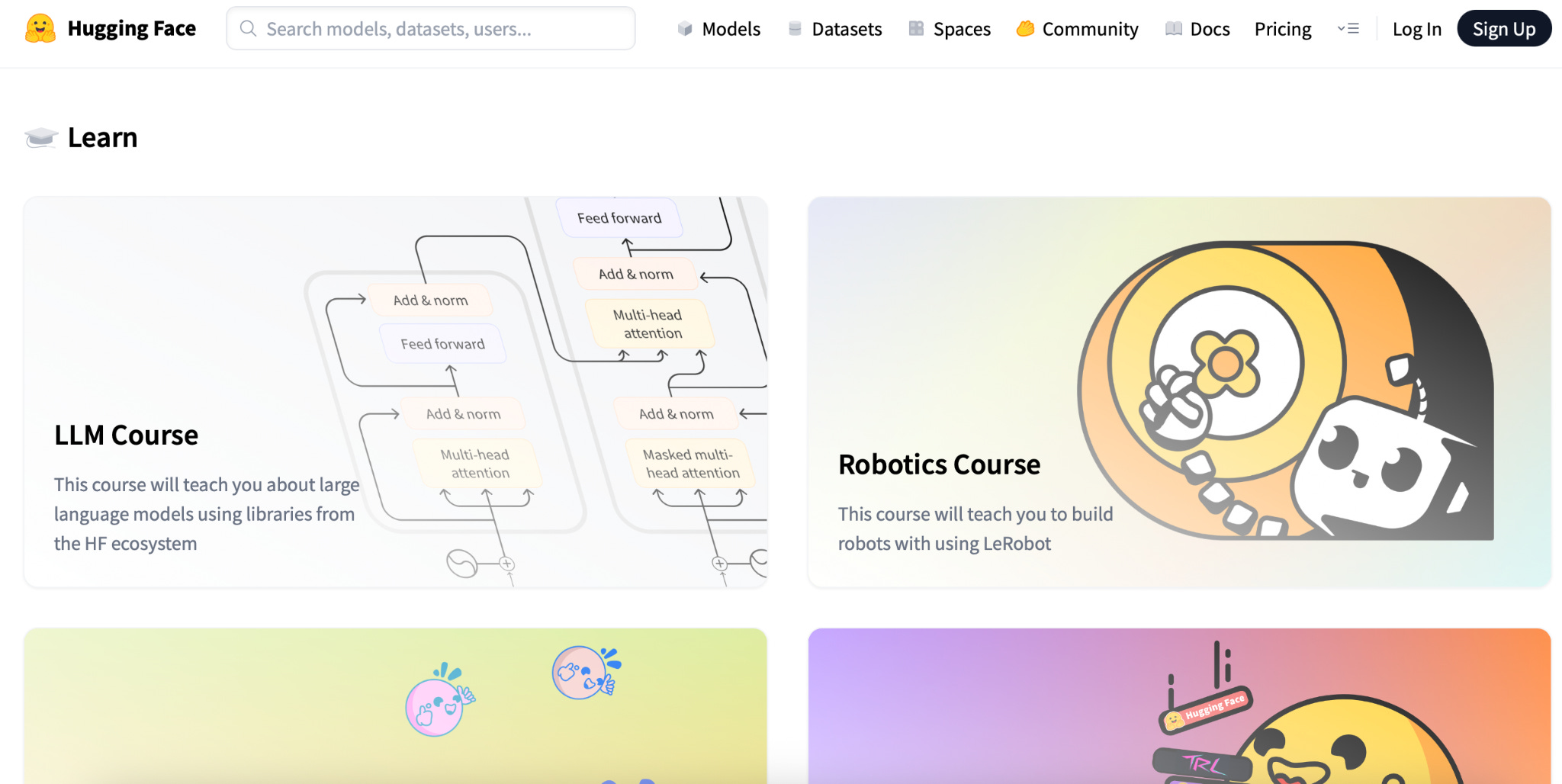
They have already popped in our digests — open-source AI courses from the creators of Transformers, which are free and hands-on.
How to navigate:
Agents Course to build and deploy AI agents
Deep RL Course on reinforcement learning with Hugging Face libraries
Computer Vision Course to practice with vision models
Audio Course to try out transformers for audio
Key Resources to Follow
To get quality information, you need to make sure the people you follow are actually deep into AI.
Influencers on X/LinkedIn
Demis Hassabis – CEO DeepMind - Nobel winner, AGI insights
Geoffrey Hinton – Godfather of AI
Andrej Karpathy – AI researcher who previously served as the Director of AI at Tesla and was a founding member of OpenAI
Sam Altman – CEO of OpenAI
Ian Goodfellow – practical ML research
Jensen Huang – CEO of Nvidia, a pioneer in AI hardware and GPU technology for deep learning
Andrew Ng – Founder of DeepLearning.AI
Yann LeCun – Chief AI Scientist at Meta
Louie Peters – Co-founder & CEO at Towards AI
Fei-Fei Li – AI Researcher & Professor at Stanford University
Thomas Wolf – Co-founder and Chief Science Officer at Hugging Face
Even if you don’t stalk their pages daily, the algorithm will throw their posts into your feed whenever something big drops. That’s how it works for me anyway, and it’s clutch for staying on top of expert takes without actually trying.
Educators and YouTube channels
Matt Wolfe – weekly AI tools + tutorials
Krish Naik – ML/agents bootcamps
AI Explained – research breakdowns
Greg Isenberg – AI startups/ideas
Two Minute Papers – easy-to-understand videos on the latest complicated papers
What’s AI – latest research and insights in the AI industry
DeepLearning.AI – educational content and courses on AI
Yannic Kilcher – paper deep dives on machine learning research, programming, and AI community issues
Analytics Vidhya – community-based knowledge portal for Analytics and Data Science professionals
Podcasts
DeepMind: The Podcast – breaks down how AI is changing everything around us
Dwarkesh Podcast – in-depth interviews with AI pioneers
The AI Podcast – AI’s impact on science and technology.
Last Week in AI – data science and AI through critical thinking
AI Today – AI insight thought leaders, leading technology companies, pundits, and experts
How I AI – practical tutorials/workflows
AI for Humans – entertaining news/trends
Practical AI – complex AI topics and real-world use cases for practitioners
AI in Business - practical AI adoption and use cases for business leaders
Reddit Communities
Reddit’s basically ground zero for AI people swapping knowledge. If you look for something practical, these subreddits help you:
r/Singularity – AGI/future tech
r/artificial – general Artificial Intelligence discussions
r/StableDiffusion – AI art/generation
r/DataScience – applied ML workflows, datasets, and analytics discussions
r/MachineLearning – deep dives into models, papers, and experiments
r/DeepLearning – neural networks, architectures, and cutting-edge DL research
r/ArtificialIntelligence – AI-related news and discussions
r/LLMOps – managing, fine-tuning, and deploying large language models
r/LanguageTechnology – NLP, speech tech, chatbots, and language modeling
Hey, we’re not sleeping on this either and we’re building out our Reddit as well. Come hang out with us there – CLICK!
Newsletters
State of AI (Nathan Benaich) – deep analysis
Ben’s Bites – product launches
The AI Maker – systems, agents, and workflows
Import AI – system analysis of AI workflows
How to AI – how to master AI
One Useful Thing – research-based view on the implications of AI
Learning Assistant in Cursor: Tutorial
You know how we all love saving reels and tweets with recipes or book lists that we promise to read later and never open again. Saving creators’ works the same way. Adding them to a list will not make you better at AI.
Read more about this jack-of-all-trades tool How Cursor Can Be Your AI Assistant & Knowledge Base
