

Hello friends!
I’ve been noticing more and more creators calling NotebookLM their favorite tool for learning, synthesizing, and understanding information.
Since our last post about NotebookLM, the tool has gotten way smarter and picked up a bunch of new features… and it’s still free.
So if you’ve already used the tool, today we’ll look at some interesting tips that’ll help you squeeze even more out of it.
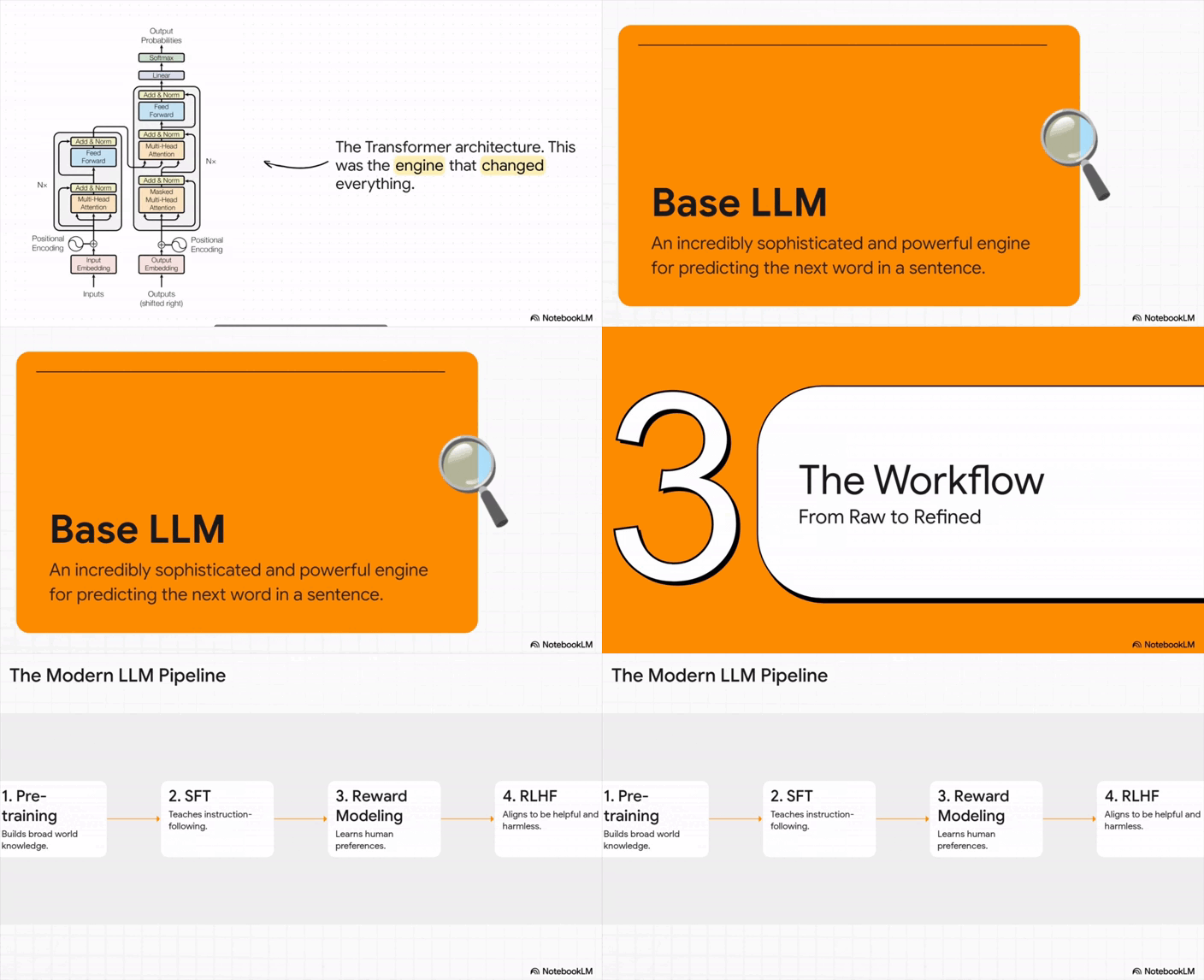
And if this is your first time hearing about NotebookLM, honestly, I’m jealous (look down, NotebookLM whipped up this 20-minute presentation purely from the sources I uploaded. You can’t hear it here, but it explains everything just like a teacher)
In this piece, we’ll discover:
What NotebookLM is and how it wipes out hallucinations.
A quick-start guide to all the key features.
Real workflows to help you pick up new skills way faster.
What is NotebookLM?
NotebookLM is a super handy AI research assistant from Google built on Gemini AI. You can upload up to 50 sources at once and let the tool turn your materials into summaries, structured insights, and even podcast-style audio overviews.
Early NotebookLLM started as a simple scratchpad, just a quick place to drop ideas and test things. But it’s grown a lot since then. The devs added auto visuals, a step-by-step learning mode, and reusable notebooks, and that completely changed its vibe. It’s no longer just a note-taking tool. It’s basically your own personal course builder you can use for free.
To make it even clearer: for example, I can do simple things like upload a PDF manual for my washing machine and ask about a specific issue. In several seconds, it gives me the answer on how to fix it. Or learn a complex topic like LLMs much faster in one conversation with visuals.
Key advantages:
1. Work with different types of files
Upload articles, PDFs, website links, pictures, audio, YouTube videos (you don’t even need a manual transcription), handwritten text, and go on. You also don’t need to worry about mixing up languages, as NotebookLM handles multilingual sources and keeps them all in one structured workspace.
2. Verified information + fresh ideas
I know you are tired of AI models hallucinating, but NotebookLM grounds every response in the documents you provide and always cites the exact source. If something isn’t in your materials, it tells you directly. It can also suggest new angles, hypotheses, or topics to explore, but always strictly based on your uploaded content.
All this is possible because it’s built on RAG — Retrieval-Augmented Generation. In plain English, that means:
NotebookLM doesn’t just guess answers from what it already knows (no more “Sorry, you were right” 🥴).
Then it uses that information to generate summaries.
And can also combine and cross-reference multiple sources.
3. Direct answers inside the chat
You are aware of the concept. Just ask questions, and NotebookLM comes with answers. If you need something more in-depth, keep asking, and it will highlight connections between documents, compare ideas, or help you dive into complex topics without losing context.
Just take a look at the table – the difference in words in the context window is huge. Use every bit of it!
How you can use NotebookLM in real projects
Unlike Cursor, which can also analyze files, NotebookLM is very user-friendly. You don’t have to explain your folder structure or give a whole brief on how things connect.
I’ll break down how to set it up inside the tool, what customizations to tweak, and how to make sure nothing gets lost as you feed in new info. My goal is to show you how to not just save time or get a one-off win, but build a workflow that runs like clockwork.
I’ll start with a few quick things you can try, and then I’ll take you through a practical workflow.
Research & Material Analysis
Upload articles or books, and let NotebookLM pull out overlaps, differences, and author takeaways.
Turn textbooks and courses into personalized summaries.
Build quizzes with different difficulty levels and run a practice exam right in chat based on your uni or school prep.
Find gaps in your materials and get suggestions on what to dive into next.
You can ask NotebookLM to show links between ideas you might’ve missed.
Content Creation
See what competitors are doing, spot gaps, and find angles to stand out. Upload competitor materials, ask NotebookLM to find overlaps, and spot untouched angles you can highlight.
To detect emerging trends, upload fresh research or reports to highlight hot topics or buzzworthy trends.
Update old content and ask to flag out what can be refreshed, expanded, or linked to new posts.
Take comments, questions, or feedback from your customers, readers, whatever, and make structured Q&A guides.
Use cases for work & freelance

