


Jonathan runs GrowthPair — a seven-figure ARR agency — with just 3 people and a Terminal window. In the last few months, he’s rebuilt how the entire business operates using Claude. This post is the exact playbook he used.
At a Glance
In this piece, you will learn:
How to architect a business bot that connects all your tools into one command center
The exact folder structure, brain file, and slash commands that power a real startup automation
Why MCP and custom scripts aren’t either/or — and when to use each
This post is prepared with Guest Author — Jonathan. Founder of GrowthPair, a global marketing talent agency, and builder of the GrowthPair Bot. If you also want to write for Creators AI — send us email here
Holy cr*p. I’ve never been so excited about the future of building companies because of this new wave of AI tech that’s emerging.
In the last few months, I’ve spent dozens of hours on Claude experimenting with ways to make my startup and team as efficient as possible.
Two stats since leveraging Claude:
SaaS subscriptions trimmed: $5,800/year
Personal time saved per week: 40 hours
I’m running my seven-figure ARR startup as an AI-native company with only 3 employees, lots of iced coffee, and a Terminal window. Most importantly, I’ll show you the exact steps to build your own version.
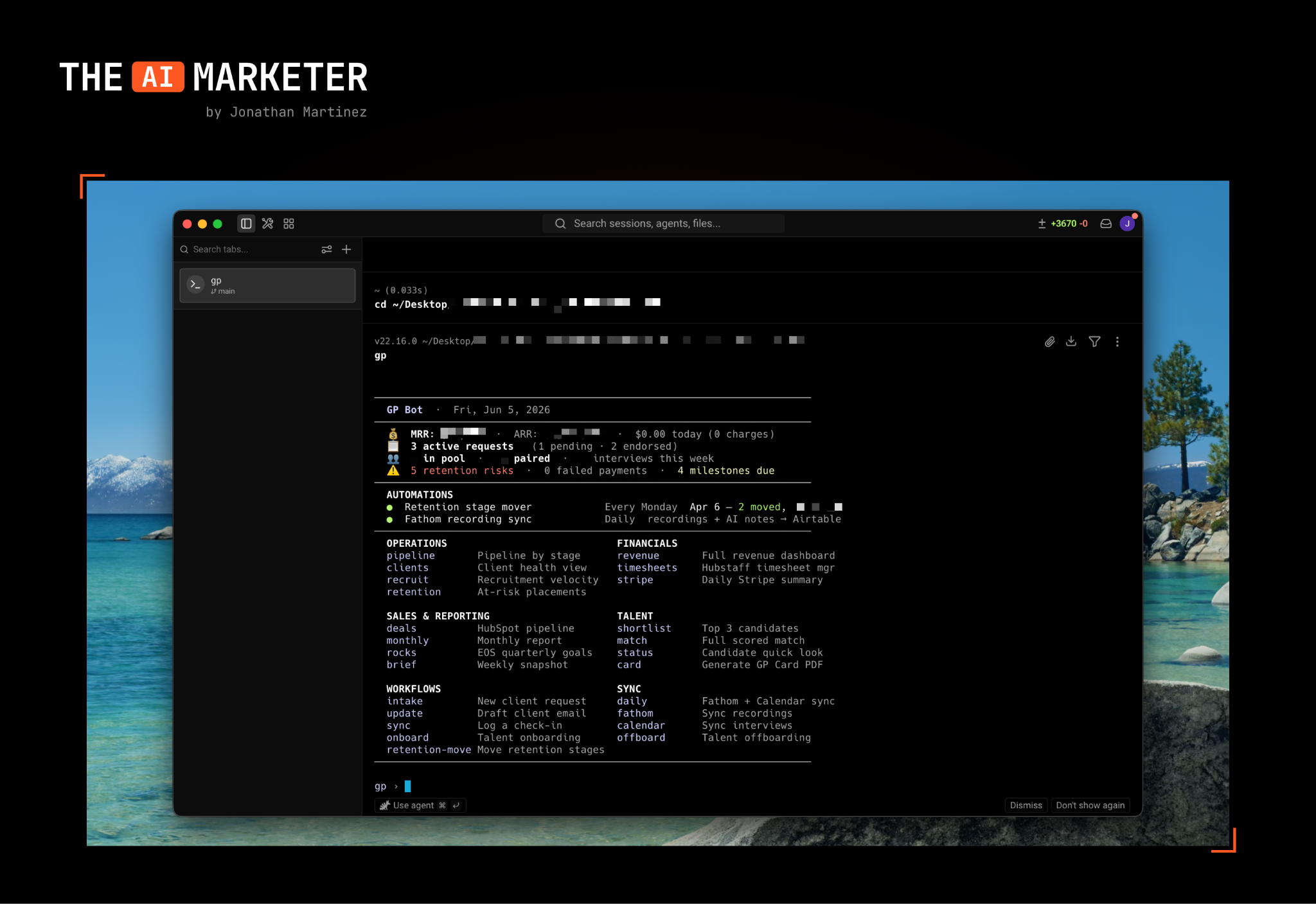
Here’s how I start my mornings now with the GrowthPair Bot:
Why I’m writing this
Last week, a founder asked me how we’re moving so fast with such a lean team. The answer is this bot. It handles everything from onboarding talent to analyzing our sales pipeline while I focus on the big-picture stuff. If you’re drowning in manual tasks, this playbook will change how you run your company.
I typically write about the intersection between marketing and AI, but I thought this one was close enough and can easily be applied to marketing teams as well. As a thought experiment, if you’re a marketer, ask yourself: “Which tools am I using daily and require me to perform repetitive tasks?”
You could realistically hook up all your ad accounts, ESP, Google Analytics and other tools in your stack to a similar bot to automate reports, create campaigns, make optimizations, and so on.
Let’s get into it.
Before we dive in — if you’re new to Claude Code, here’s the foundation: How Claude Code Can Be Your AI Teammate
This and many other practical posts on building with AI are available exclusively to our subscribers.
Step 1: Architecting your bot
It’s easy to get lost in the optionality that we have with AI, so it’s important to tackle the correct items and use cases for your startup. In my case, GrowthPair is an agency that helps companies find the very best global marketing talent. This inherently means that there’s a slew of manual recruitment tasks on our daily docket.
Some questions you should ask yourself:
What are some repeatable tasks that I’d like to automate?
What tools and dashboards do I spend most of my time in?
Do those tools and dashboards have APIs that I can leverage?
In my opinion, anything that takes up more than 20 minutes of your time per week should go on the list of items to automate. These items will become quick slash (/) commands that you can ask your bot to do, or even automate it to do on a set cadence.
For my GrowthPair bot, I wanted to build a variety of quick slash commands, like the ability to:
Onboard/offboard talent
Get a pulse on sales pipeline
Analyze retention pipeline
Understand WoW recruitment velocity
Fully automate payroll
Rather than sift through data on Stripe, Brex, Quickbooks, HubSpot and various other tools, the idea was to connect them all into my GrowthPair bot.
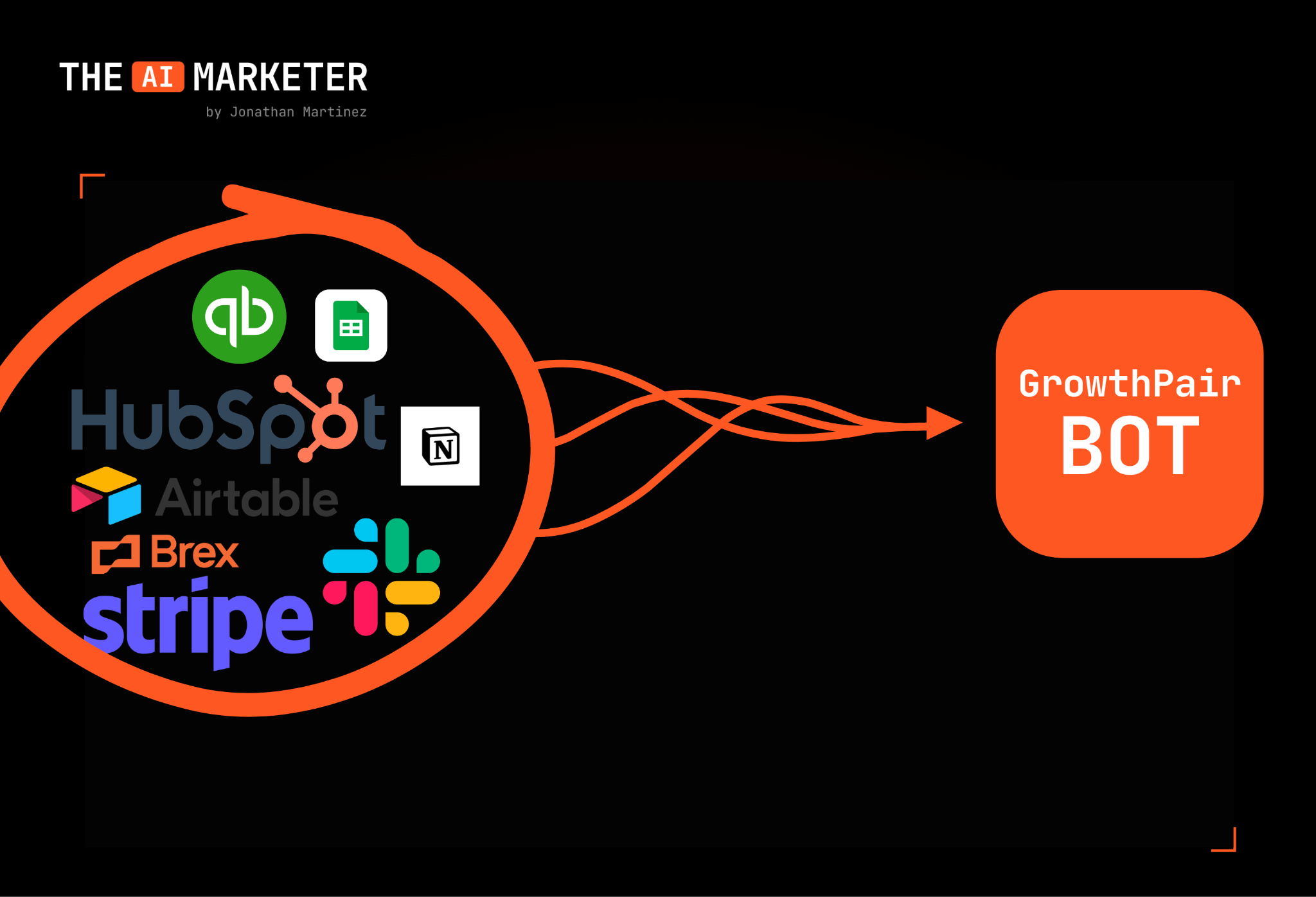
This is why APIs are really important — they provide a connection between the third-party tool you use (e.g., HubSpot) and the bot you’ll build. Most major software will have an API that you can use.
