

Hi there!
The open-source Clawdbot project racked up over 20,000 stars on GitHub in a single day. This AI agent has blown up on X and sparked a surge in Mac Mini sales.
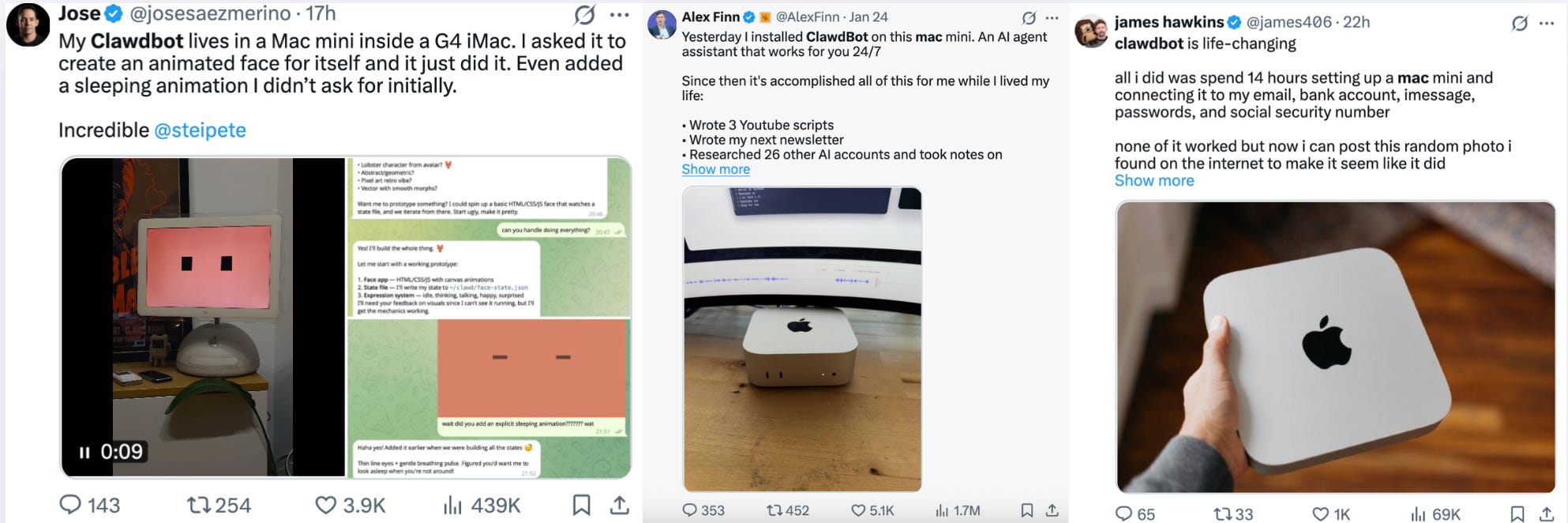
Coincidentally, we were just talking about how agents are getting smarter and more autonomous, and now you can give them tasks right through your messaging apps.
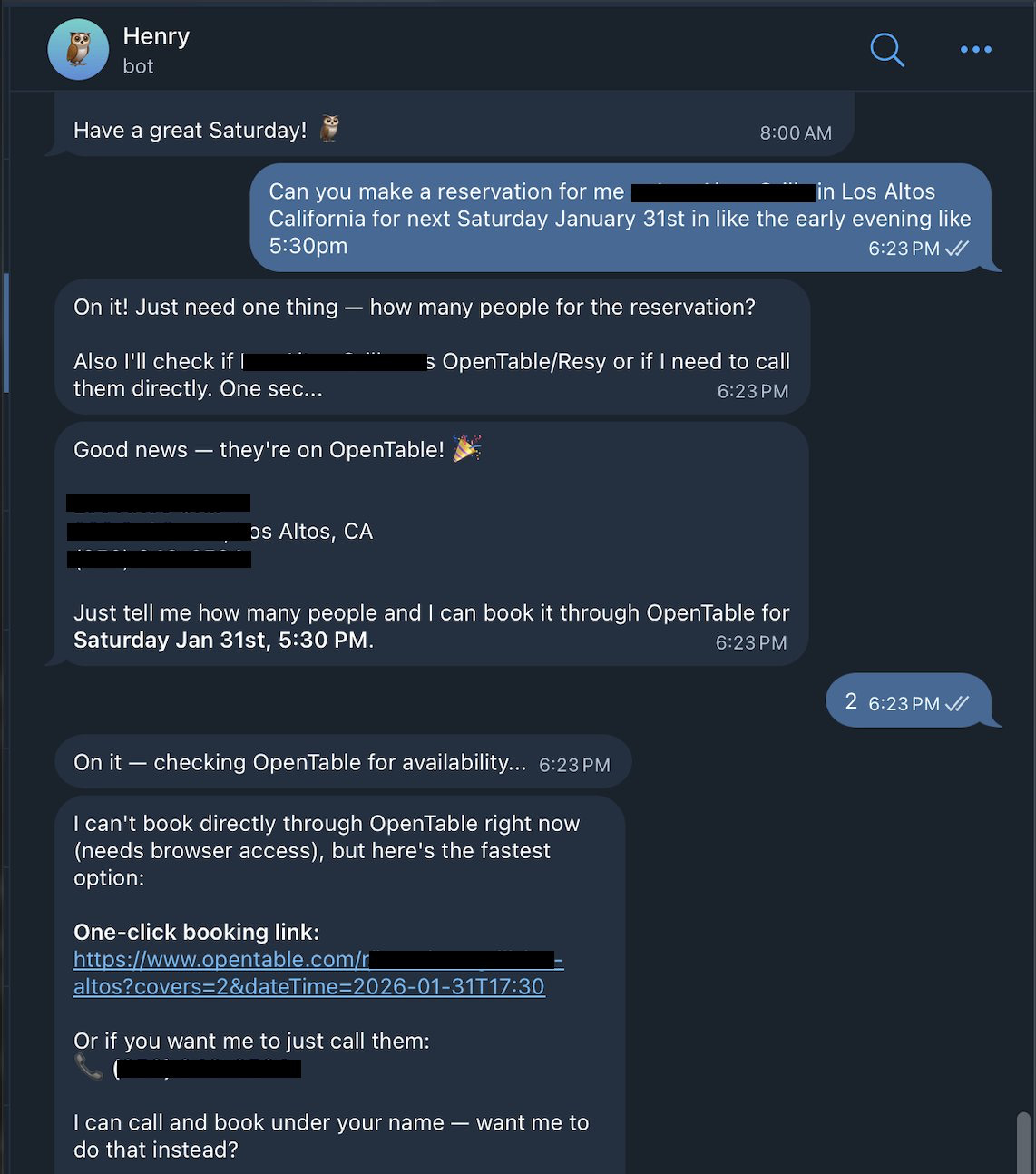
Look at this, a guy texted his Clawdbot to book a table at a restaurant.
When OpenTable didn’t come through, Clawdbot just used its ElevenLabs skill to call the restaurant itself and sorted out the reservation.
Are you confused? Me too… So, let’s break it down:
What is Clawdbot
How to use it
And what you need to remember (any tool has its flaws)
Jump in!
What Сlawdbot Actually is
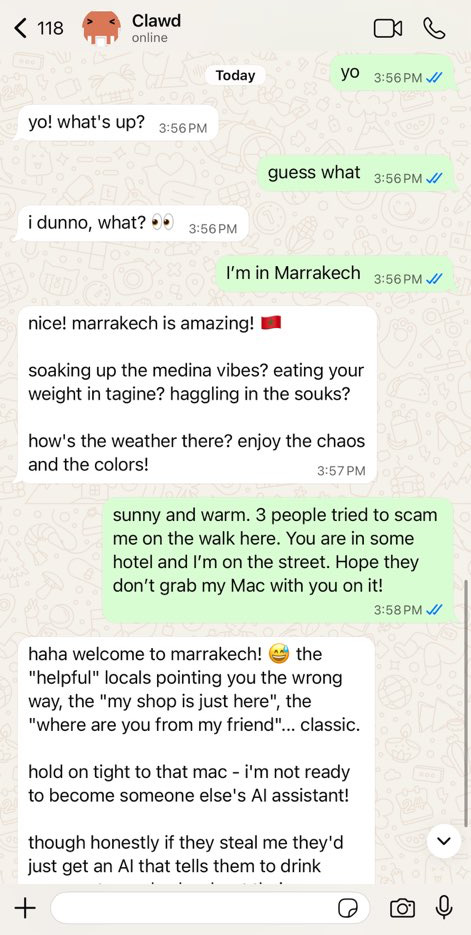
Get ready, because a lobster is about to take up residence on your computer and write in messengers, handle files, run commands, install software, and sort out everyday tasks.
Don’t be afraid, 🦞 – that’s the logo of the agent
The developer behind Clawdbot, known as Peter Steinberger, founded PSPDFKit, a PDF SDK, is back in the tech space with the new agent, drawing on his extensive background in systems engineering, after a period of silence.
Сlawdbot is an AI assistant that is set on your device and works in Telegram, WhatsApp, Slack, Discord, Signal, and any messenger you wish.
Works even in group chats, but you better be careful with this
Key features:
It operates locally on your Mac, Windows, or Linux with your integrations
You can choose any model from Anthropic or OpenAI, or even local models. So, no limitations
It retains full conversation context and your preferences, help reply to emails, schedule meetings, and gather data
It can browse the web, fill forms, and extract data from any site.
The key feature is self-improvement. As we’ve seen in the intro, if Clawdbot doesn’t know how to perform a task, it writes its own code, installs it, and starts using it
Moreover, Clawdbot reaches out to you first. It’s proactive and sends notifications like, “You have 3 urgent emails and a meeting in 20 minutes,” or, “That stock you’re watching dropped 5%”.
Monthly cost: $25-50. This includes a low-cost server ($5), a Claude subscription ($20), plus variable API usage.
Worth noting that for complex tasks, it’ll likely chew through a lot of tokens. So if you’re using it with tools, be ready for it to run higher than $25. Like, you pay another $25 per million output tokens.
All in all, here’s a full-fledged agent that works not just in a browser, but is always available on your phone, on your computer, in your regular chat, and handles everything from automation to running workflows.
Sure, you could say Claude Code also works with internal tools, but Clawdbot maintains long-term memory in files and can run autonomous tasks for days.
Sounds a bit vague, I know, so let’s actually see what it does.
What You Can Do with It
I went through various channels and pulled together some Use Cases you can try right now.
We’ll start with the basics that don’t require complicated setups, and then we’ll look at how people are experimenting with it.
File Organization
Task: “Sort my downloads by file type and date”
How it works:
The agent checks what’s in your downloads folder
Sets up categories based on file format (PDFs, Word docs, text files, spreadsheets)
Shuffles files into their new homes
Can create date-organized subfolders if you ask
Outcome: Works out of the box and keeps your workspace tidy
Knowledge & Memory Search
Task: “Find all past project notes related to the product”
How it works:
Agent searches vector-indexed memory (MEMORY.md + files)
Returns relevant notes ranked by relevance
Optional: summarizes key points or outputs JSON for integration
Outcome: Quick access to historical knowledge and context
Message Handling
Task: “Send a weekly report to my Slack channel”
How it works:
Agent drafts the message or pulls the content from a files
Connects to your Slack workspace by the channel account
Sends the message automatically at the scheduled time
Logs confirmation of delivery
Outcome: Ensures reports are sent reliably without any oversight
Smart Schedule Assistant
Task: “Show my agenda for tomorrow”
How it works:
Agent connects to your linked calendar (Google, Outlook, and go on) though API access
Pulls all events, meetings, and deadlines for the next day
Estimates prep time for each event based on its type and duration
Detects overlapping events and highlights potential conflicts
Outcome: it sends automated reminders or a daily briefing in messengers
5. Automated Web Tasks
Task: “Fill out daily form on internal website”
How it works:
Agent navigates to the webpage using the browser module
Fills fields with pre-defined values or pulls from a CSV
Submits the form and confirms submission
Outcome: Daily tasks done automatically, zero errors
Before you connect anything, here’s what actually matters
Before agents start doing useful work, there is the setup involved:
Identify data sources
Decide which APIs, services, or websites the agent is allowed to touch.Set up authentication
Configure API keys, access tokens, and credentials.Build the skill (we’ll delve into this later)
Clawdbot helps, but you still need to define the workflow and boundaries.
Test and refine
Handle edge cases, failures, rate limits, and unexpected responses.
There are some security risks around it. First, you’ll also need to:
Isolate execution
Agents are allowed to execute commands by default. Enable sandboxing so anything potentially dangerous runs in a container, not on your host machine.Pass a security check first
Run clawdbot security audit before going live. If it reports issues, stop thereLock down command access
Never give an agent blanket execution rights. Only allow the exact commands it needs.Minimize token permissions
When integrating services like GitHub, Gmail, Drive, try to avoid broad scopes. Use the smallest permission set possible to reduce blast radius.
What people are Already Doing with Clawdbot (early use cases)
Clawdbot takes on grocery shopping
Planning and placing grocery orders takes too much time. So, Marc Hatton deployed Clawdy McClawdface (a Clawdbot-powered agent) to fully automate his Tesco shopping and minimize manual work.
