


Hi, it’s Daniil
I realized that software we use and how we use it defines our work and productivity a lot. While I dont feel FOMO about new tools (I will have to try them anyway for review in this newsleter) I am constantly changing my toolkit. This post is a snapshot to show and get your feedback on it!
From the post not long ago you know that Hermes already knows what is on my calendar, which projects are moving, and what is waiting in email. ShopClaw (The new tool I am building myself ) turns eCommerce work into reviewable tasks & dashboards. Before I start a large agent job, I check LLMs Bar to see which provider has capacity and when the next limit resets.
Then Claude Code builds. Codex takes a parallel lane. Claude Design keeps the output visually consistent. Nano Banana 2 produces the images that need to exist at API scale.
That is the biggest change since we published the first AI Tools I Can’t Live Without.
The first list was about useful apps. This one is about infrastructure with Agents.
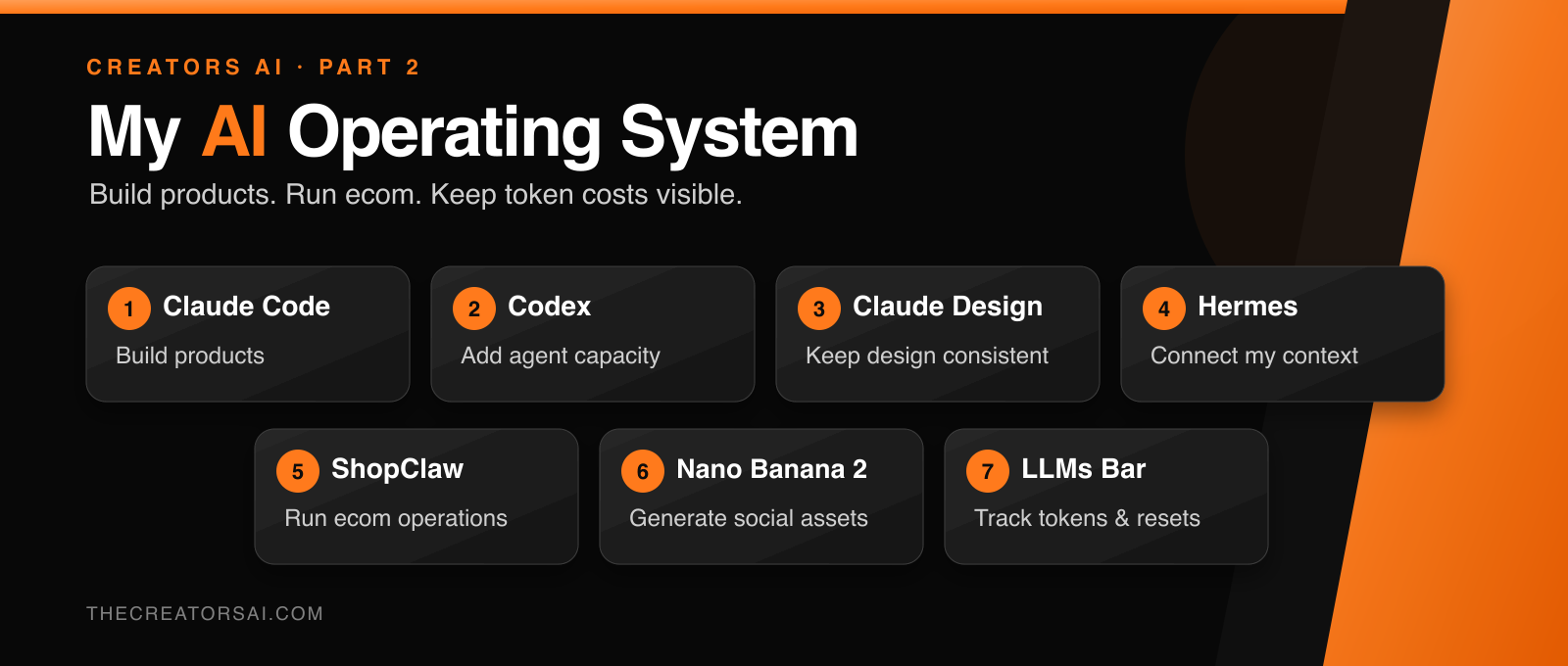
These seven tools have stopped feeling like separate apps. Together, they have become the operating system I use to build products, run two businesses, create content, and keep AI costs visible.
1. Claude Code: Build Products From the CLI 🧑💻
Claude Code is the foundation of my development workflow.
I use my Claude subscription in the CLI to run agents inside real projects. They can inspect the codebase, follow project instructions, change multiple files, run tests, and keep working until the job is complete.
The shift happened when I stopped treating it as one smart chat and started treating it as a small engineering team: one session plans, another implements, another reviews, and another investigates failures.
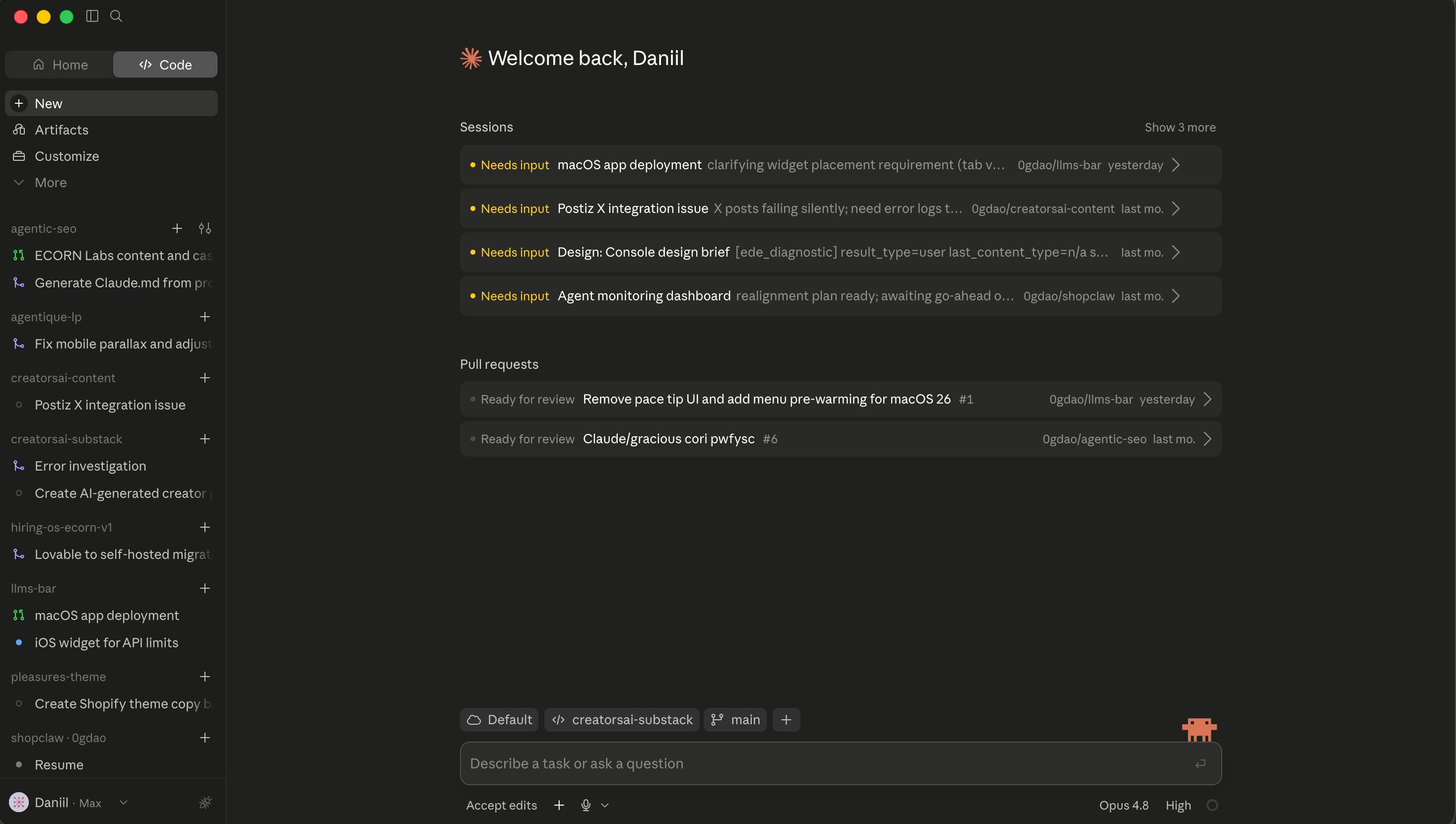
The subscription makes that capacity predictable. I am not thinking about the price of every loop while an agent is testing, reading files, or correcting its own work.
The Catch: Claude Code can finish the wrong task with impressive confidence. For large changes, I still ask for a plan, keep review in a fresh context, and make the agent prove the result with tests. So I don't waste tokens on wrong tasks.
Why Claude Code UI over Codex or Termial? Because I can code while in train, metro or riding a bike 🚲
2. Codex: Add a Second Agent Lane 🔁
I first used Codex when Claude hit a limit after Anthropic turned off ssubscriptionsfor Harness agents. Now I use it deliberately as a second development lane and connected to Hermes. Also, I love it working in pair with CC:
CC can plan while Codex implements. CC can write while Codex reviews. A fresh model often catches assumptions that survive inside one long conversation.
Codex has also become much more than a coding assistant. Its plugins can bundle apps, skills, instructions, and repeatable workflows. OpenAI’s role-specific launch included 62 apps and 110 skills, which makes Codex useful for work across files, research, reporting, and business tools.
My favourites are Spreadsheets & Presentations (Claude is still missing this somehow), the rest are simply MCPs but I like that they are more stable than those from Claude (dont need to update them every week
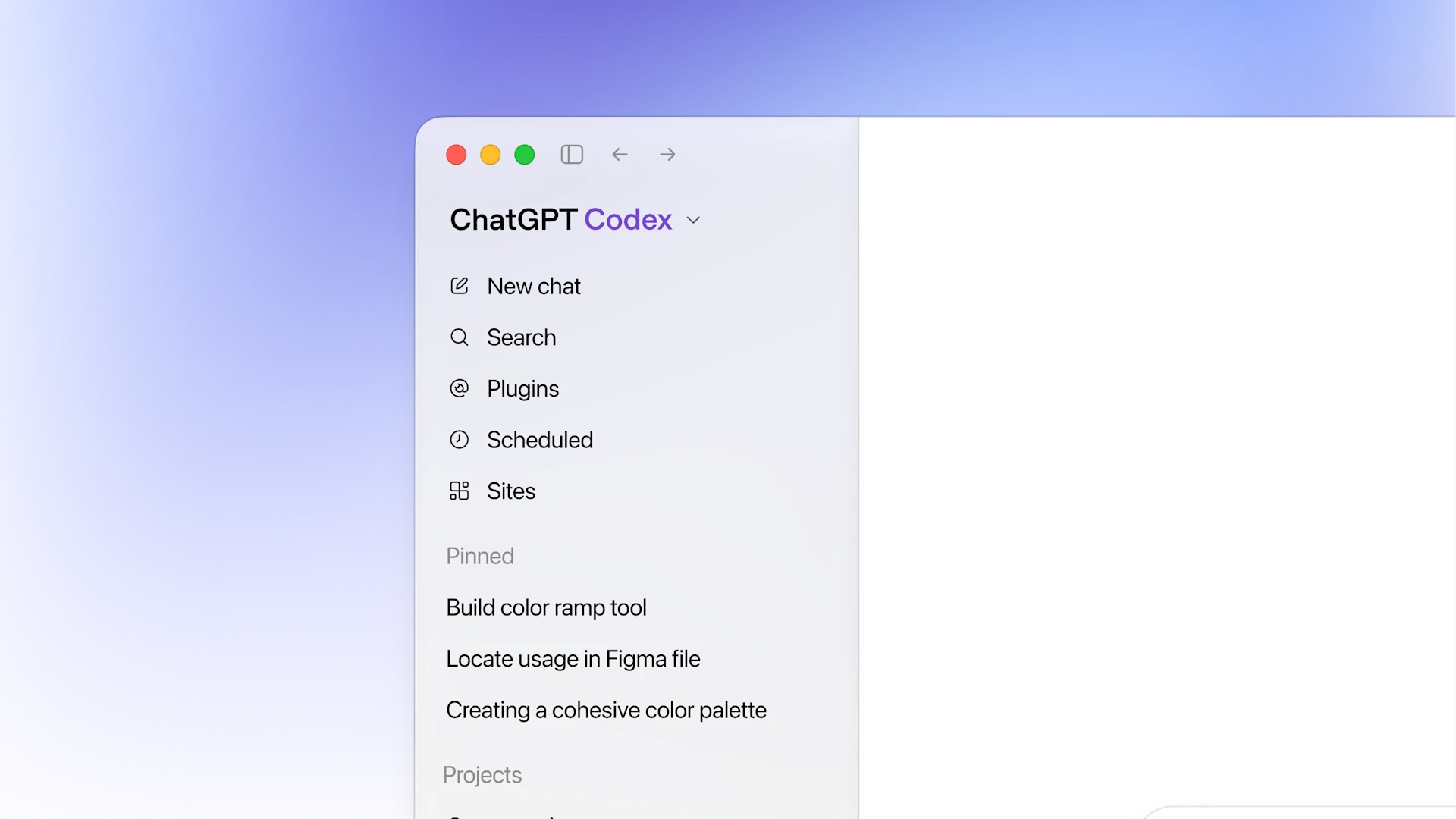
The economics matter too. Codex usage is included in my ChatGPT subscription (I’m on $100 now), and the limits reset. I think of each new window as another inexpensive block of agent capacity I have already paid for.
That is also why I use Codex inside Hermes. Hermes can authenticate through my existing Codex setup, so recurring agent jobs can use subscription capacity instead of sending every loop to a metered API.
Claude Code remains my default builder. Codex keeps the highway moving when I need parallel work, a second opinion, or a cheaper lane.
