

Hello there!
Is the Internet going bananas? Because Nano Banana Pro is out!
Excuse me for the wordplay, but it looks like most of the reviews are pretty positive, and that just makes me want to dig into this model even more.
It has only been three months since we posted about the first Nano Banana, and here we are again. And we’ll take a look at how it’s evolved and what this model can actually do in real life, through concrete use cases and prompts.
Ready?
This year, we have a limited pre-BFCM Offer for our readers to get 20% OFF Annual Subscriptions. Limited Offer ⏳🔥
A Shot Brief with Updates
Actually, it is called Gemini 3 Pro Image, and it is an upgrade to Nano Banana 1 (Gemini 2.5 Flash Image). For free users, Nano Banana Pro in the Gemini app is limited to just 3 images per day. Once you hit that cap, it automatically switches you over to the basic Nano Banana model.
The previous model was also making some noise, so what changed since then?
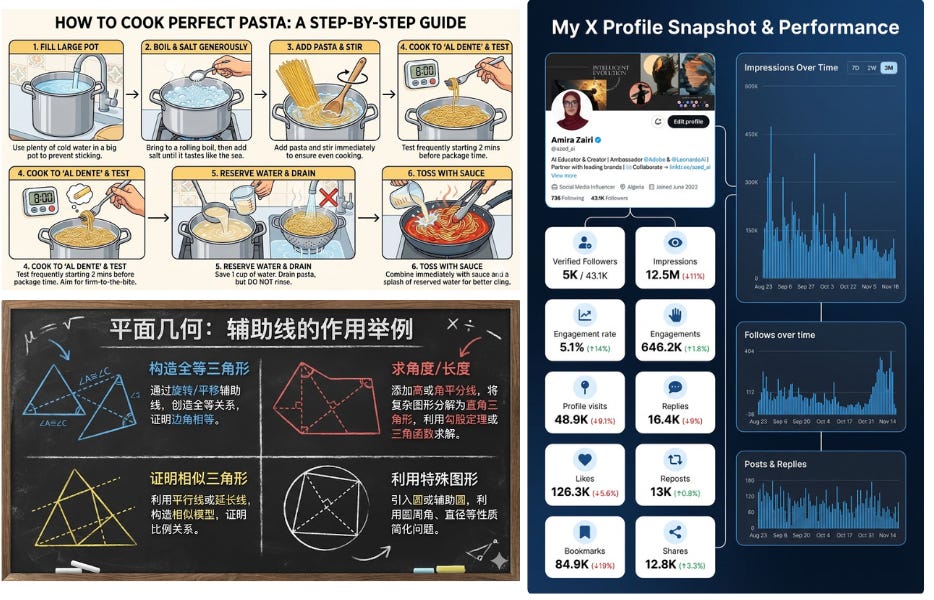
Nano Banana Pro finally fixes the text problem. The original Nano Banana could struggle with long text and multiple languages. But now, and we will see it later, you can get readable text in different languages, different fonts, textures, slogans, and full paragraphs.
Do you know that a lot of models still have problems rendering East Asian languages accurately? But Nano Banana Pro actually doesn’t just spit out Chinese, Japanese, Korean (and other languages that don’t resemble English) characters as random shapes; it gets the context and the meaning.
The model reasons through complex prompts and pulls in real-time data from Google Search. Check out the example below! Essentially, it can build context-aware visuals with accurate data. And as it handles infographics, slide decks, and tidies text placement, keeping characters consistent across multiple images, it can save time looking for info.
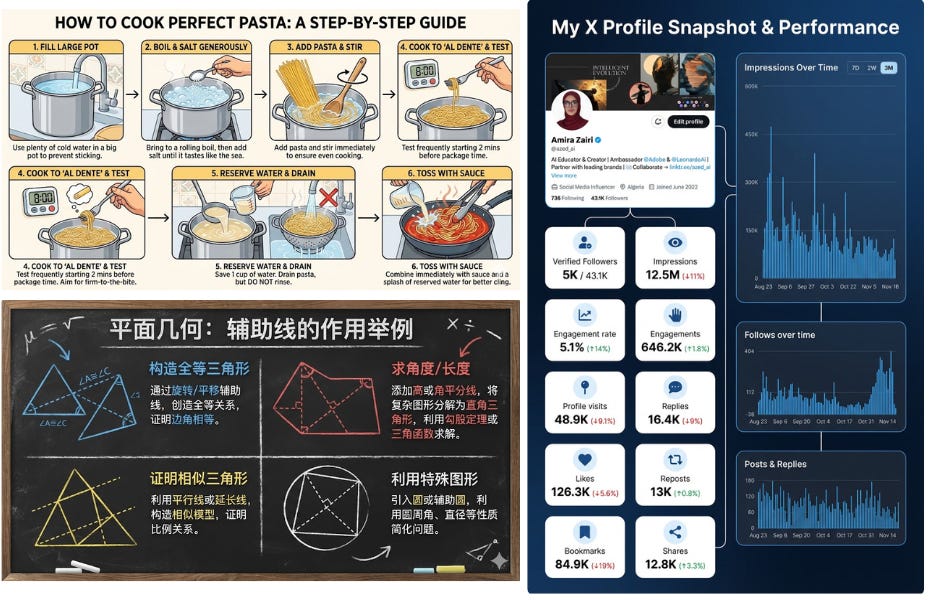
Literally three months ago, I was laughing at those awful AI statistics pics on X, and now...
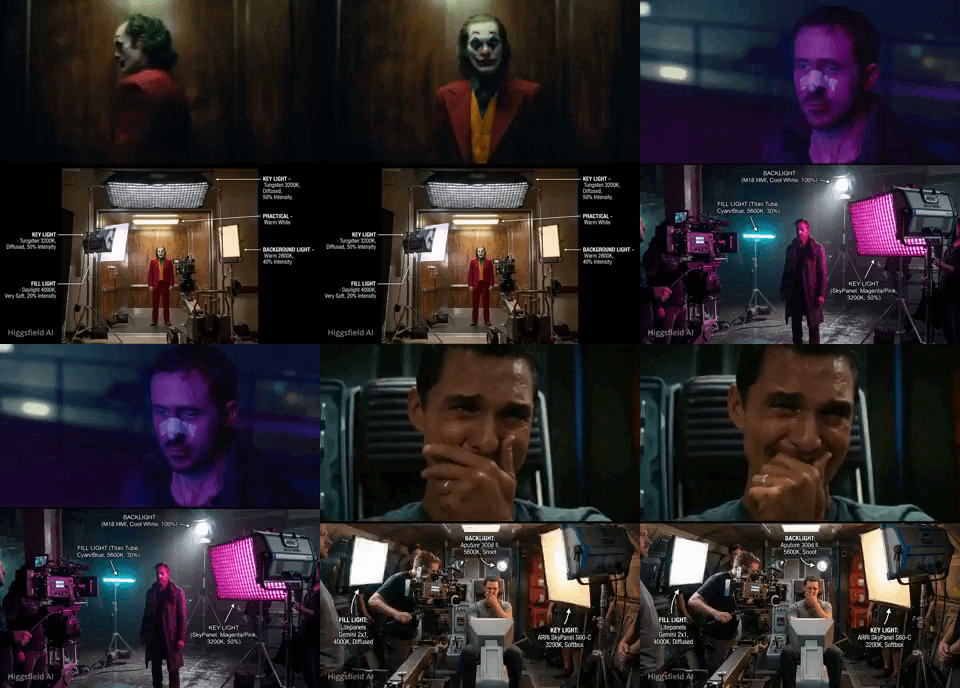
We get more control, such as adjusting camera angles, shifting focus, changing aspect ratios, and picking depth of field. Moreover, you can drop in up to 14 reference images and keep 5 characters consistent across complex scenes.
For editing, select any part of an image and tell the model what to change, which is, in my opinion, one of the main updates. We recently tried doing this in ComfyUI, which is literally created for the full-on creation control, but the platform is honestly pretty complicated to use. So being able to swap lighting, adjust the composition, and do tons of other changes directly in the model without complex settings feels really cool.
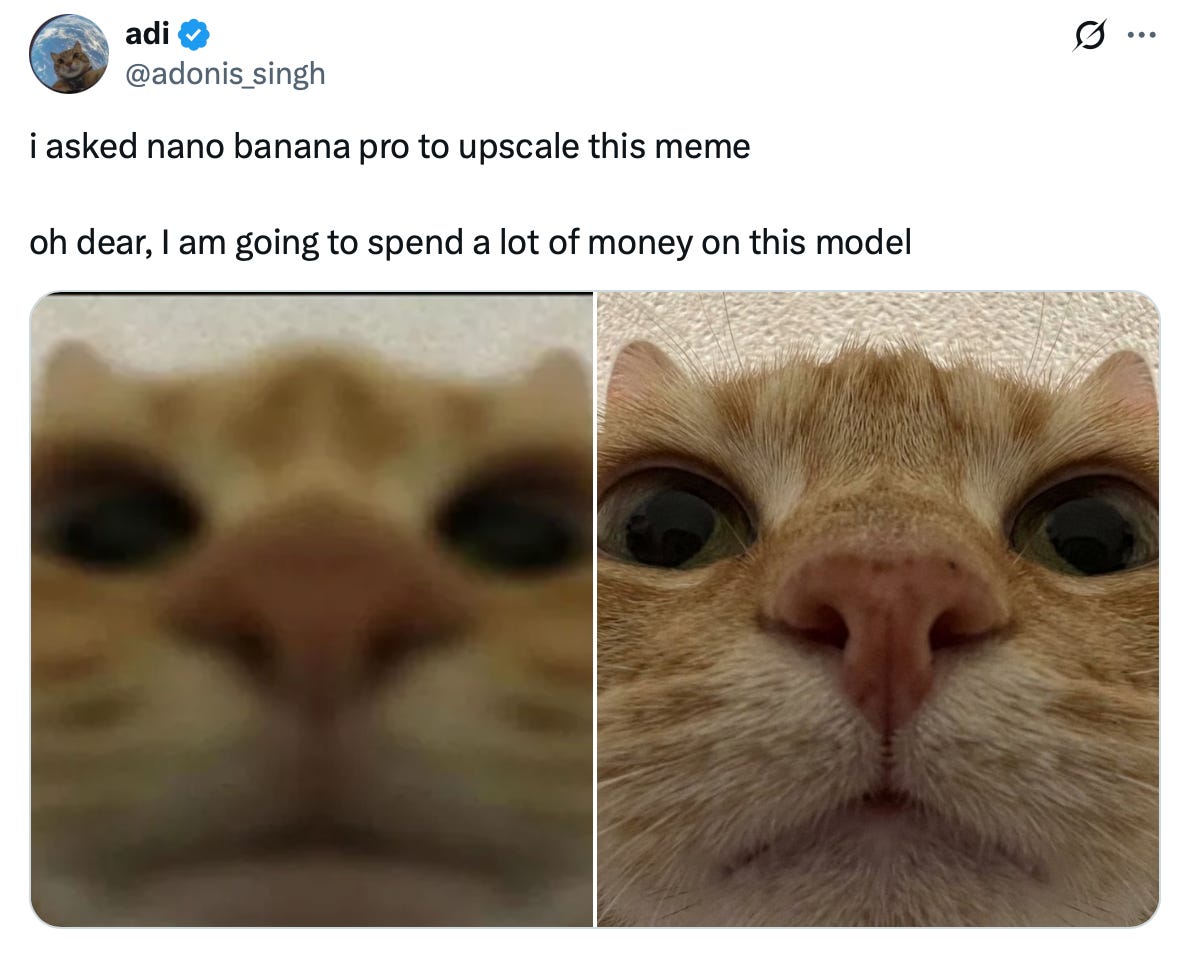
Output resolution reaches up to 4K and offers crisp detail and vibrant color. The original version maxed out at around 1024×1024px; now, you get aspect ratios for any platform: 1:1, 4:3, in brief, whatever you need.
AI, or Not AI?
There is another thing that other people don’t really mention. We praise these insane AI generations so much that we forget that they can just as easily be used against us.
It looks like Google finally came up with a solution with the new Nano Banana. Now you can upload any image that seems suspicious to Gemini and just ask if AI made it. Google checks for its built-in watermarks (SynthID) and gives you an answer. That’s cool.
But unfortunately, It only works on images created with Google tools. Other generators pass right through undetected. Google is also embedding C2PA support (C2PA is an industry standard backed by Adobe and Microsoft that attaches provenance records to files). But security experts say that there are multiple ways to bypass it.
So I recommend creating what you want, because there are endless art opportunities, but verify what you see and check sources.
That was a little side note. Anyway, let’s finally go deeper and see what people have created, and what we can make too.
How to Write a Great Prompt
Here’s how to get better results with Nano Banana Pro:
Break it down in layers: atmosphere, materials, mood.
Don’t mix styles like “real-life photo style” with “cartoonish style”. Stick to one main look.
Specify the exact camera angle and composition. For example: “close-up portrait”, “wide-angle cityscape shot”, “over-the-shoulder view”.
Add details about focus and depth of field: “shallow depth of field, background softly blurred” or “everything in sharp focus”.
Be precise with lighting, because “good lighting” is too simple; instead, use “soft diffused north-facing window light, golden hour warmth”.
Text without context doesn’t work. You need to describe its style, placement, and environment. For example: “bold blue sans-serif text, centered on a light background, in a clean product photo style”.
Combine these with [Subject] + [Style/Medium] + [Lighting] + [Camera/Composition] + [Quality Modifiers] and your prompts will work much better.
Use Cases and Prompts that I Found Impressive
Black and white
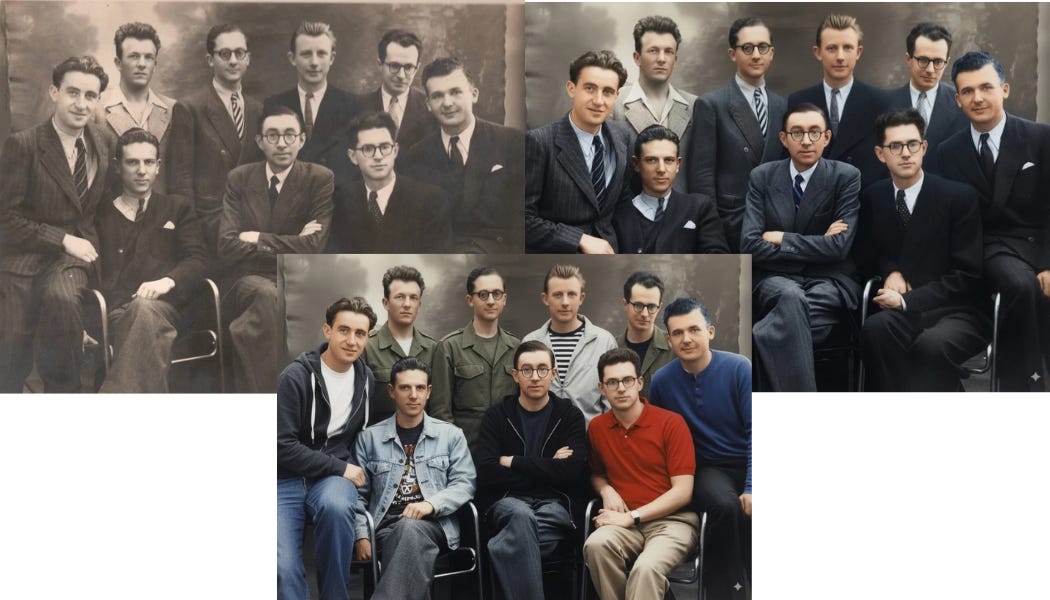
Let me start with the first example I stumbled upon, and then kept seeing more and more of the same. I’m talking about image colorization, when you turn black-and-white photos into full color. Just look at this one, a guy fed an image of my grandfather with his engineering classmates.
The faces remained the same!
Text upgrade
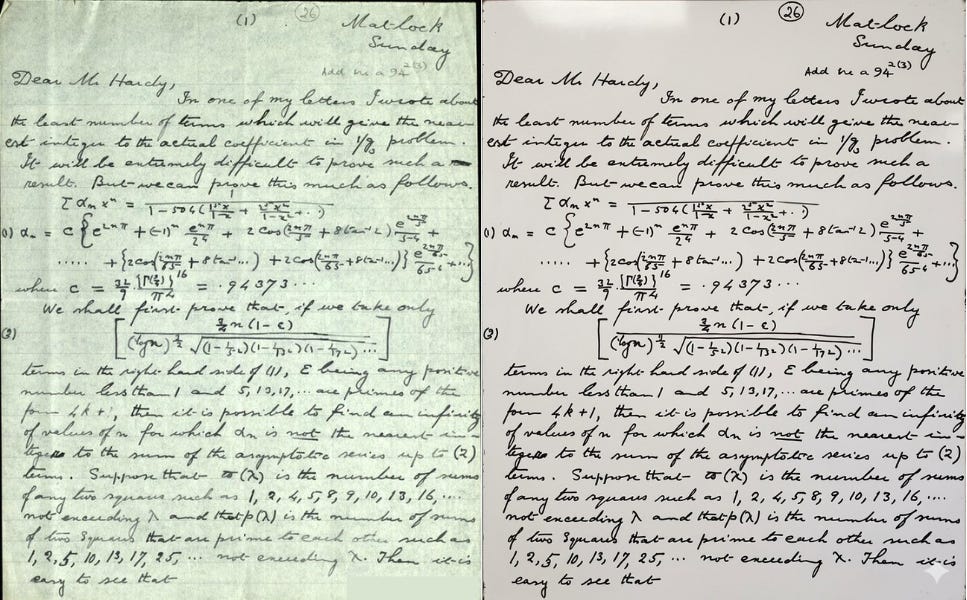
Like I said, it can now produce actually readable text in different languages. Check out this example; the model pretty much copied the font exactly. People are already asking it to do their homework for them😀 They upload a page as a reference with a math equation and then tell the model to finish the assignment in their handwriting.
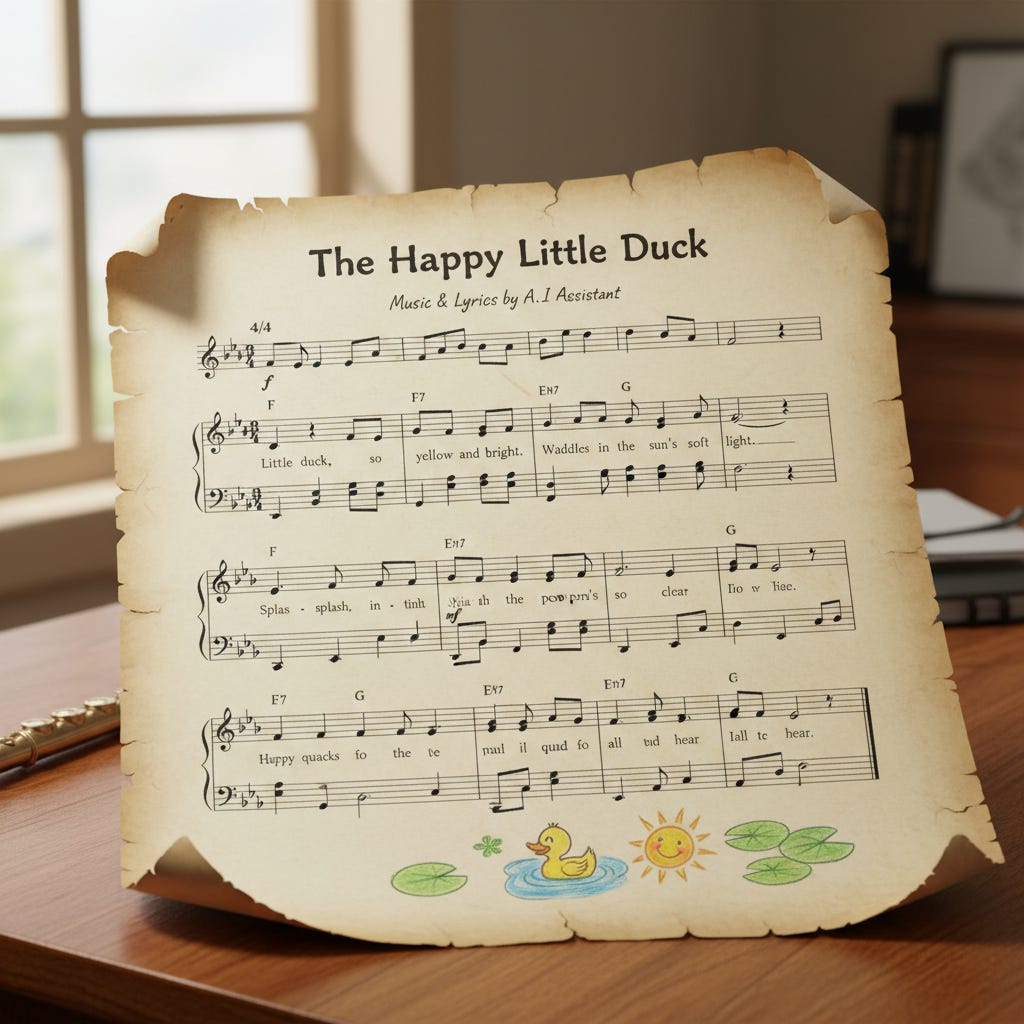
I got curious — if it handles letter characters so well, what about music notation? It’s also a kind of sign system. So I tried a prompt: “Create a music sheet with a simple song for children in C major”.
And honestly, it’s not bad at all. If you’re not a musician, you might not even notice the mistakes, but they’re there. It’s definitely not as clean as the text examples.
A good cartographer
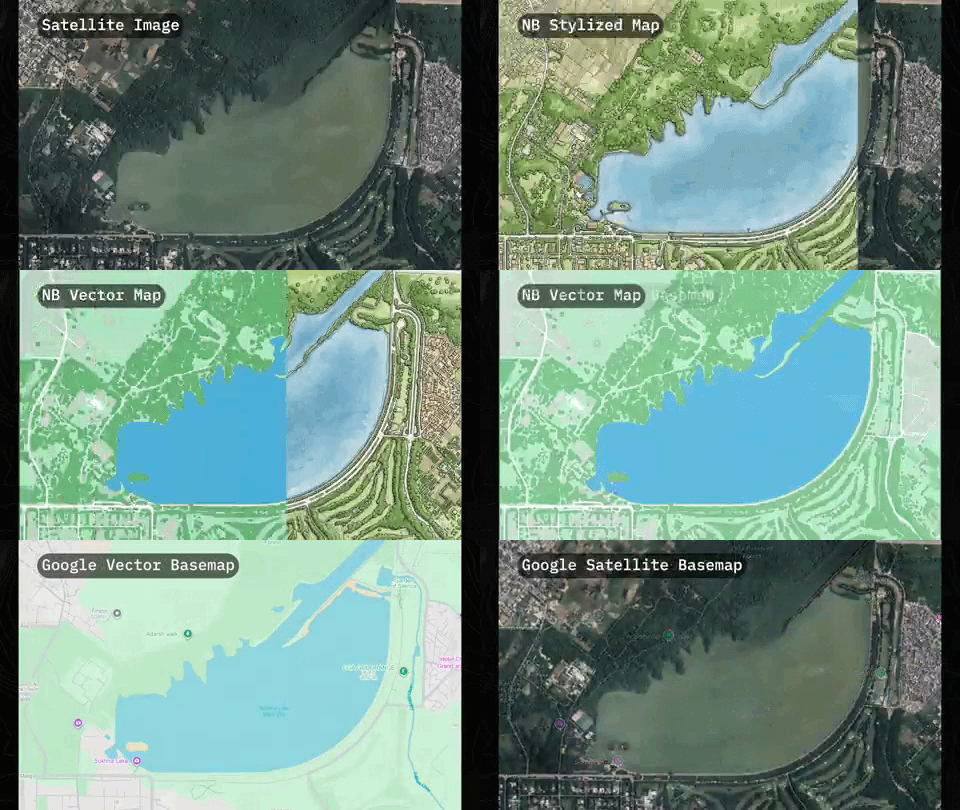
@bilawalsidhu on X used the model to turn low-res satellite imagery into a detailed hand-drawn map and even an HD vector map. It segments everything and brings back paths and roads hidden under tree cover. The author says the result looks way more detailed than the current Google basemap (which is not really the case), but it is still next-level.
Landmark infographics
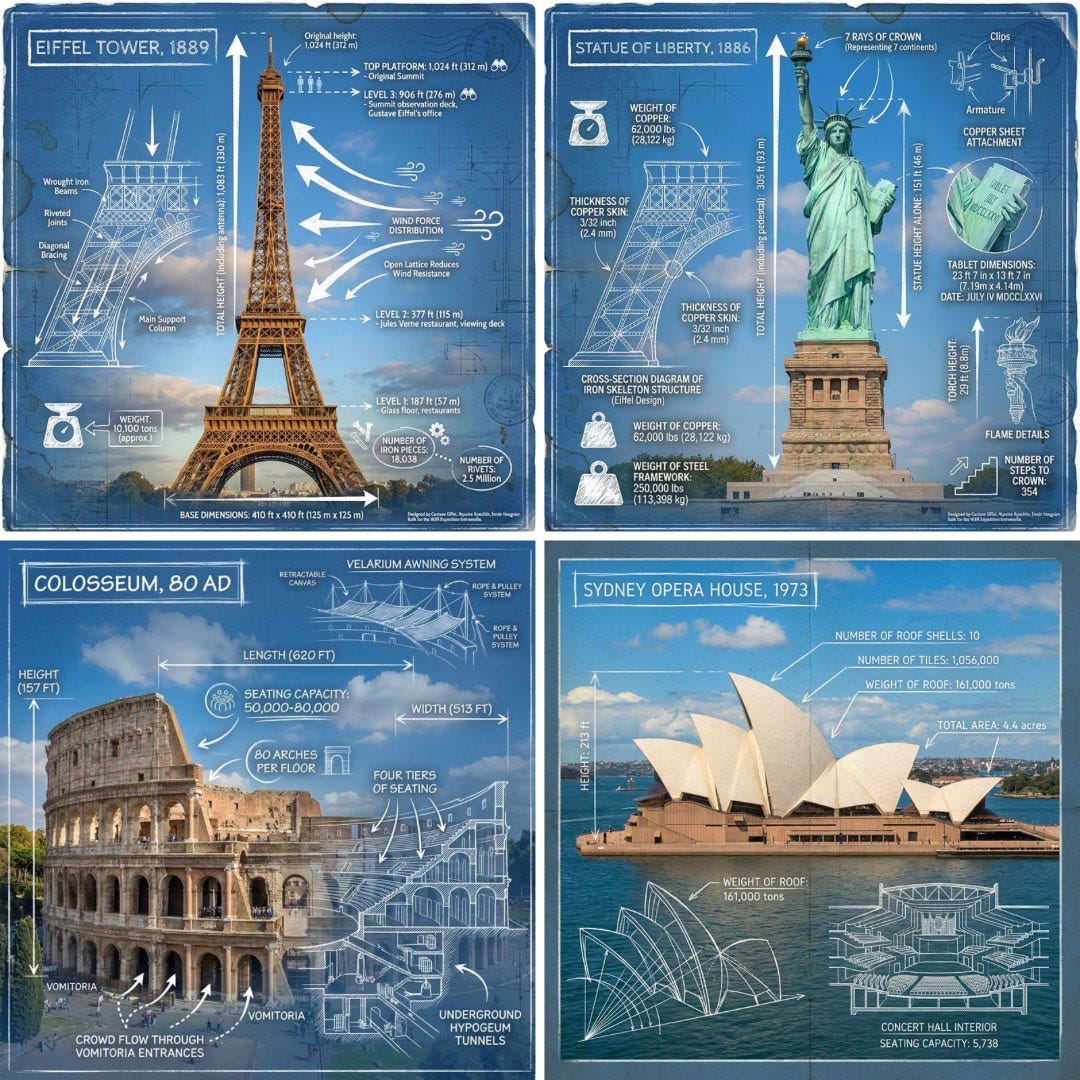
Another example of Nano Banana Pro made in BasedLabs AI (a platform for AI image generation).
@TechieBySA on X suggests trying a prompt like this:
Create an infographic of [LANDMARK] that mixes a real photo of the landmark with blueprint-style technical annotations and diagrams on top. Add a hand-drawn title box in the corner that says ‘[LANDMARK].’

Include white chalk-style sketches showing key structural data, measurements, material quantities, internal diagrams, load-flow arrows, cross-sections, floor plans, and notable architectural or engineering details. Style: blueprint aesthetic with white line drawings over the photo, technical/architectural annotation vibes, educational infographic feel, with the real environment still visible behind the overlays.
For marketing uses
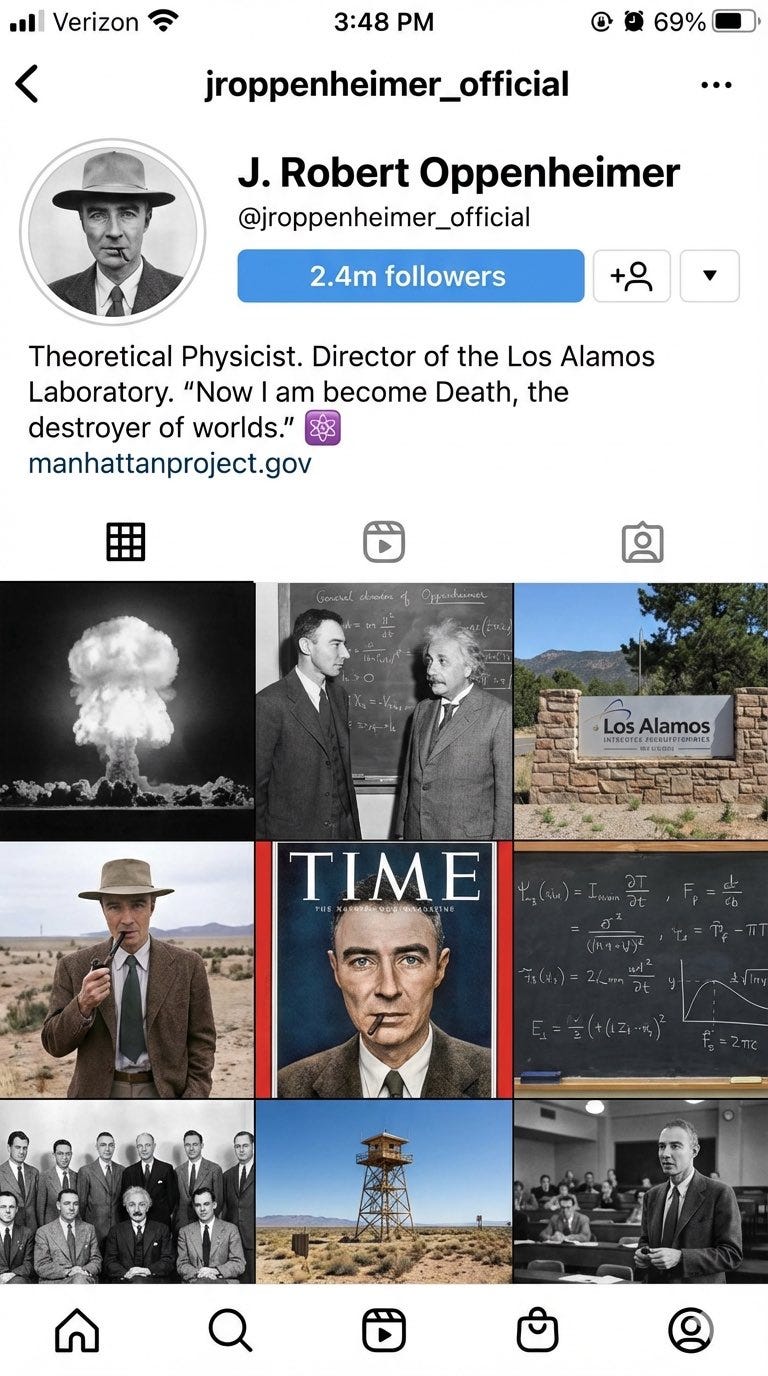
Users generate a full Instagram page visualisation, logos, advertising posters, 360° panoramas, and change the style of the original images. It is perfect for both marketing campaigns and personal projects.
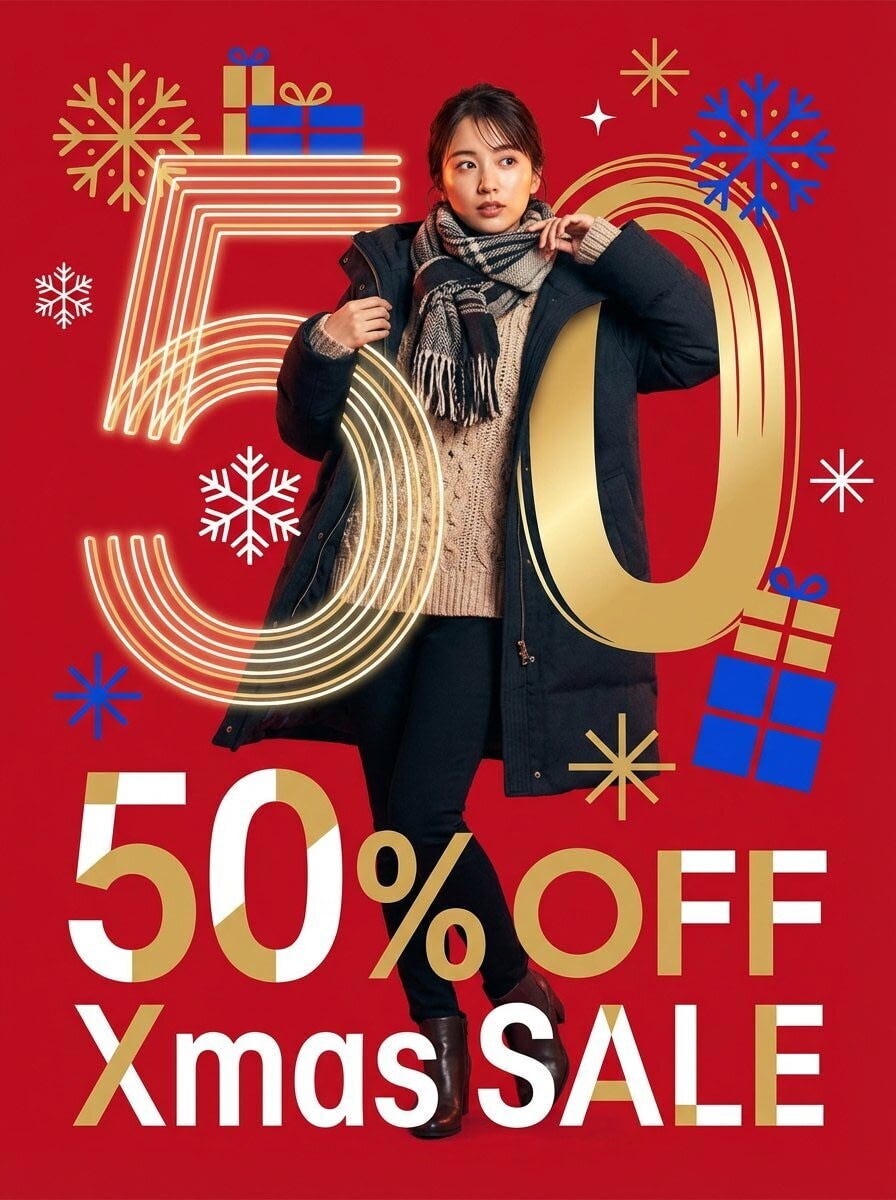
Prompt:
A modern and stylish graphic design poster for a Christmas Sale, with a vibrant, playful energy.

The background is a solid, vibrant, festive holiday red.

The main subject is a high-quality photograph of a Japanese woman in a dynamic and energetic pose. Her fashion is modern and stylish winter attire (e.g., a chic knit sweater, scarf, or stylish coat). The photograph is rendered in a vibrant, full-color style, with natural and realistic skin tones that subtly reflect the warm tones of the red background.

The woman is physically interacting with the giant number “50”, her arm is looped through the “0”, and she is leaning against the “5”.

The text “50%OFF” is arranged in a bold, dynamic, and playful typographic composition. Secondary text “Xmas SALE” is also included in the composition, in a complementary modern font.

The numbers and symbols are treated as graphic elements, varying in scale and overlapping each other to create a sense of movement and excitement. The font is a clean and geometric sans-serif.
We’ll show more examples of how to use Nano Banana Pro with other video models, more interesting prompts you can try below, and where you can try it for FREE. Stay tuned!
